Inspiration
Loudly AI Music Generator Review 2027
- Written by
- Sonilo Team
- Published
A polished track can become a problem when its drums crowd a key instruction. Loudly lets you choose musical controls before generation and export stems afterward. For a locked voiceover video, those options matter more than an isolated preview. The real question is whether the cue survives a picture change and reaches the next editor in usable pieces.
This Loudly AI music generator review uses Loudly’s public product, FAQ, API, and licensing information checked September 30, 2026.
Quick Verdict for Video Creators
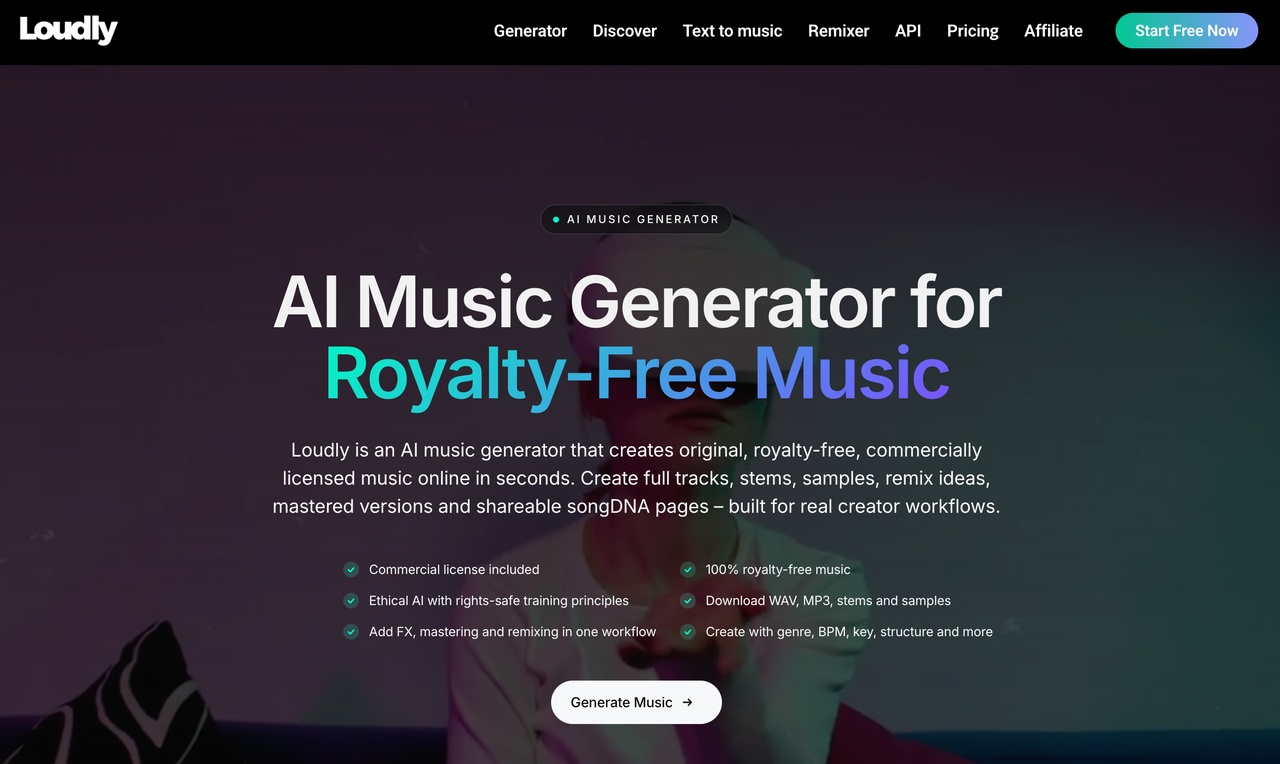
Loudly is a plausible choice for creators who want to set genre, energy, structure, instruments, and duration before generation. Its AI Music Generator page also describes remix options and exports for full tracks and stems. Those tools matter when a drum part keeps nudging the voiceover aside.
They do not prove that Loudly will place a lift on your visual reveal or leave speech intelligible without extra mixing. Put one candidate in the editor. Check its energy under narration, how a revision affects approved music, and what files a teammate receives.
How This Review Defines a Usable Soundtrack
A song can be engaging alone and wrong beneath a tutorial. The finished video sets the standard: music must support the picture and leave room when the speaker makes a point.
One Voiceover-Led Video Task
Use a locked tutorial or YouTube edit with a clear opening, one visual change, a busy spoken section, and a final frame. These are landmarks for evaluation, not a claim that Loudly reads a video file. The public generator instructions start with text or a song formula; they do not document an automatic analysis of your finished cut.
Keep one brief for each candidate: mood, speech space, energy change, and ending. “Calm electronic pulse with sparse percussion” gives the generator room to work. “Hit the reveal exactly” still needs verification on the timeline.
Three Editing Criteria
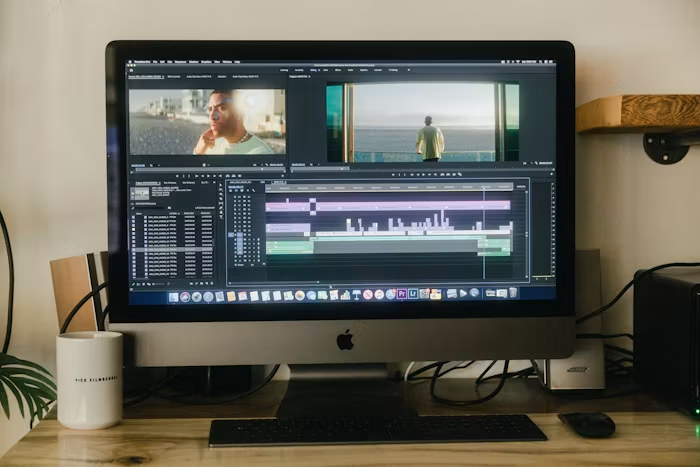
The checks concern work left after generation. Play the cue under dense narration. Change one picture marker and see whether a revision preserves approved music. Open the exported files and check whether a teammate can make the final mix.
Record the chosen candidate, trims, fades, stems, and new versions. If a mix needs constant automation to rescue speech, the arrangement may be too crowded. A lower fader cannot always fix that.
How the Loudly Workflow Starts
Loudly offers text prompts and a song formula. A prompt sketches emotion; the formula commits to musical properties before you listen.
Choosing Controls Before Generation
The published generator instructions list genre, subgenre, key, BPM, duration, energy, instruments, and structure. For a narration bed, start with low or moderate energy and restrained instrumentation. The first target is space for speech, not a dramatic opening that will be ducked into near-silence.
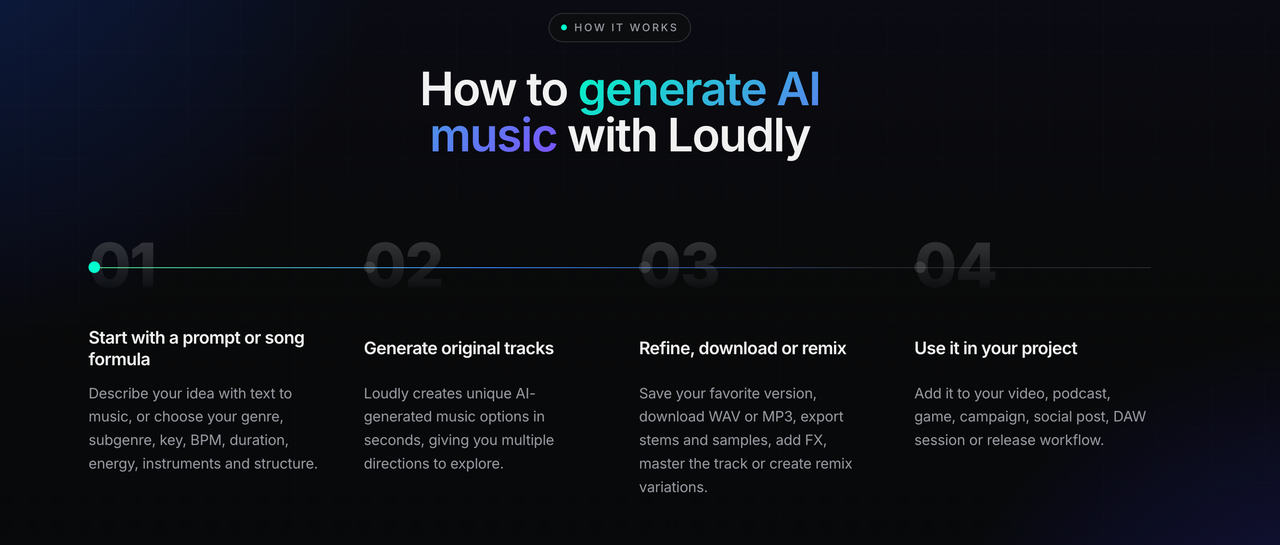
Structure matters. A build can help a product reveal; a steady bed may be safer under a long explanation. The final phrase still has to resolve where the video ends. Loudly’s precise-duration claim describes an input control; this review has not measured exported timing.
Shortlisting a Track for the Cut
Bring candidates into the edit before picking a favorite. Audition the busiest sentence, a quiet pause, the visual change, and the last frame. A bright lead may sound exciting solo and compete with consonants once speech returns. A quieter arrangement may feel less impressive in Loudly’s player yet work better in the video.
Label each candidate. If one misses the ending but gets the middle right, note that before changing the controls. Otherwise, you may forget why the first was close.
How Loudly Fits Three Editing Needs
Loudly’s controls let an editor request a musical shape and export audio. Whether that means fewer cuts or reruns remains untested.
Energy Across the Video
Listen for where the track becomes more assertive, not just whether its overall mood is correct. In a voiceover-led tutorial, a drum fill that arrives during a key instruction can pull attention from the screen. If the rise lands in a silent product shot, it may be exactly what the edit needs.
Loudly advertises energy and structure controls, so these are sensible variables to adjust for a second candidate. They are not guarantees of scene-level timing. The music does not become “synced” merely because its duration matches the final export. Mark the actual rise against the picture before deciding it is usable.
Revisions After Picture Lock
A moved reveal can spoil an approved cue. First see whether repositioning the file or changing a fade solves it. A new version may be unnecessary.
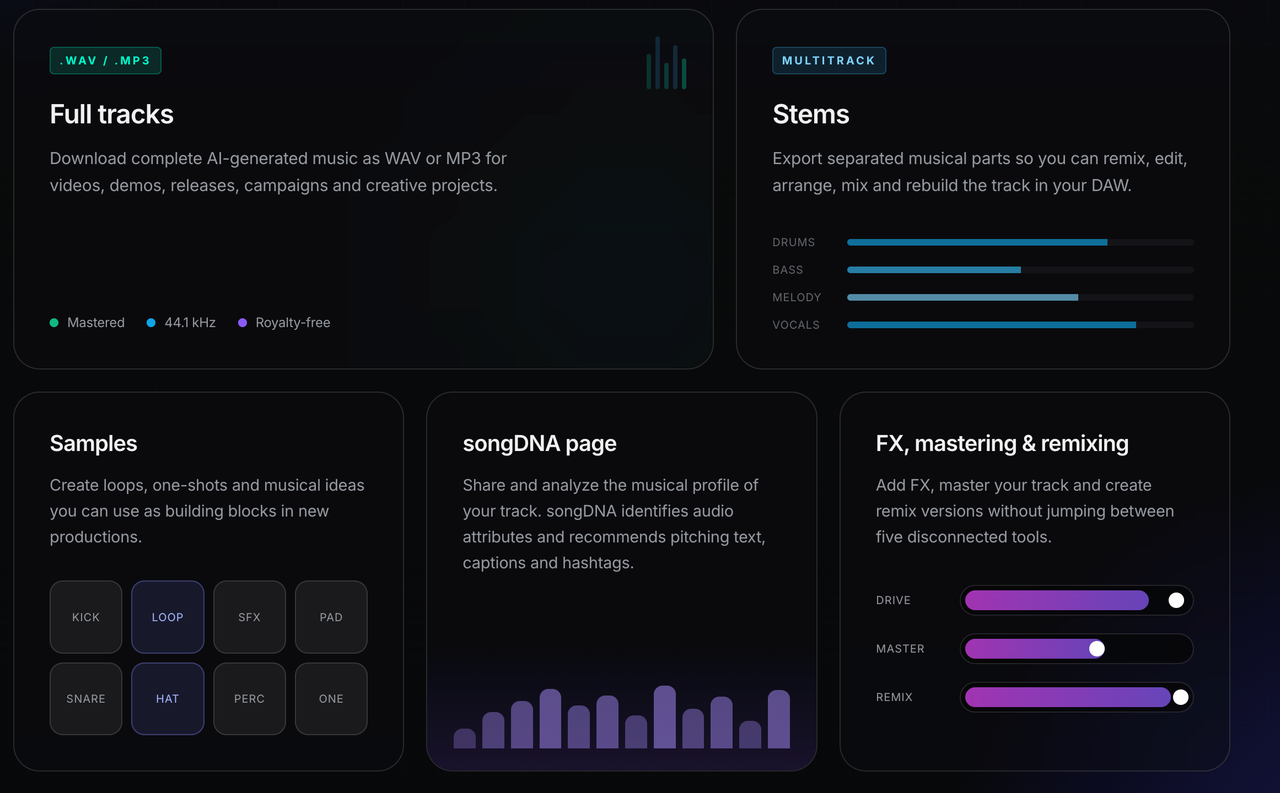
When the arrangement itself is the issue, Loudly’s product page describes remix variations, energy changes, and FX. Treat the result as a new candidate until you have heard it under the cut. The official page does not establish that a revision preserves every approved phrase or stays sample-identical outside the changed part. Save the accepted mix separately before experimenting.
Export and Stem Handoff
The handoff is where a broad “stems available” claim becomes a practical question. Loudly lists WAV and MP3 full-track downloads and exports for separated musical parts. Its stems page says stem allowances sit in Personal and Pro subscriptions. Check the current allowance and the actual files in your account before promising a client a drum-free version.
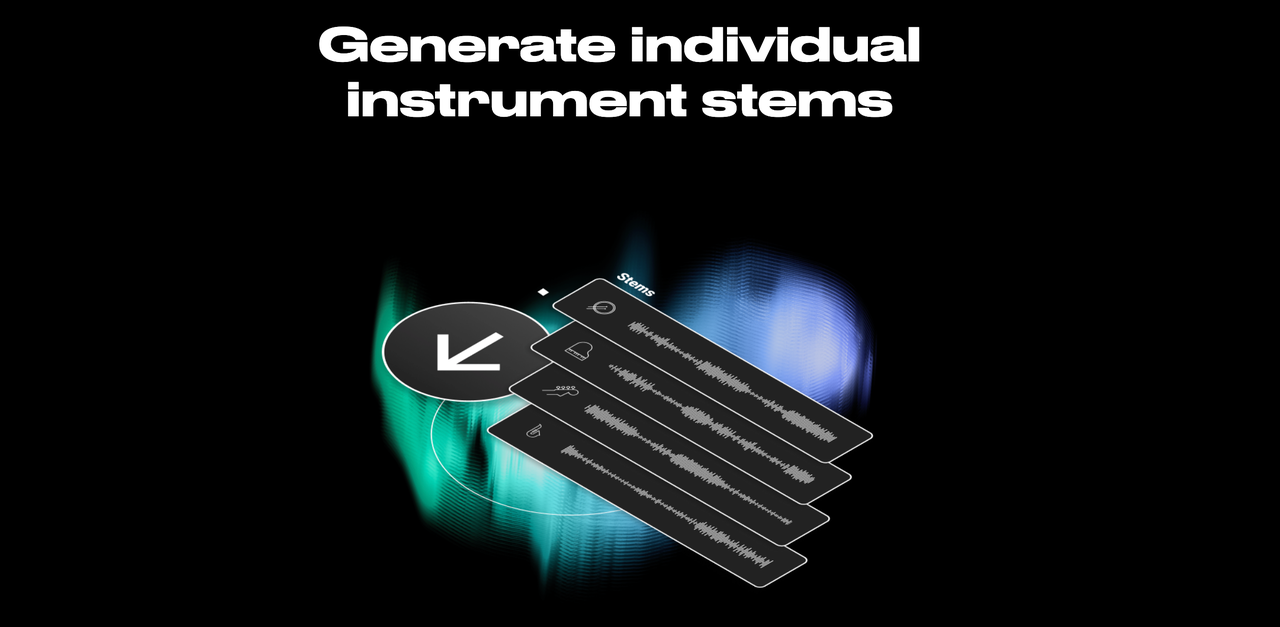
For a voiceover mix, deliver the approved full mix, permitted stems, and a final-video reference. Stems let another editor lower a busy element without flattening the cue. They do not replace dialogue mixing.
Current Pricing and Licensing Considerations
Plan names and rights change more quickly than editing principles. Loudly’s FAQ currently describes Free, Personal, and Pro plans, with different generation, download, and stem allowances. It says the free plan limits track length, while paid access opens more export capacity. The current pricing table could not be verified in this review, so no price or complete plan matrix appears here. Check the live checkout before budgeting a team delivery.
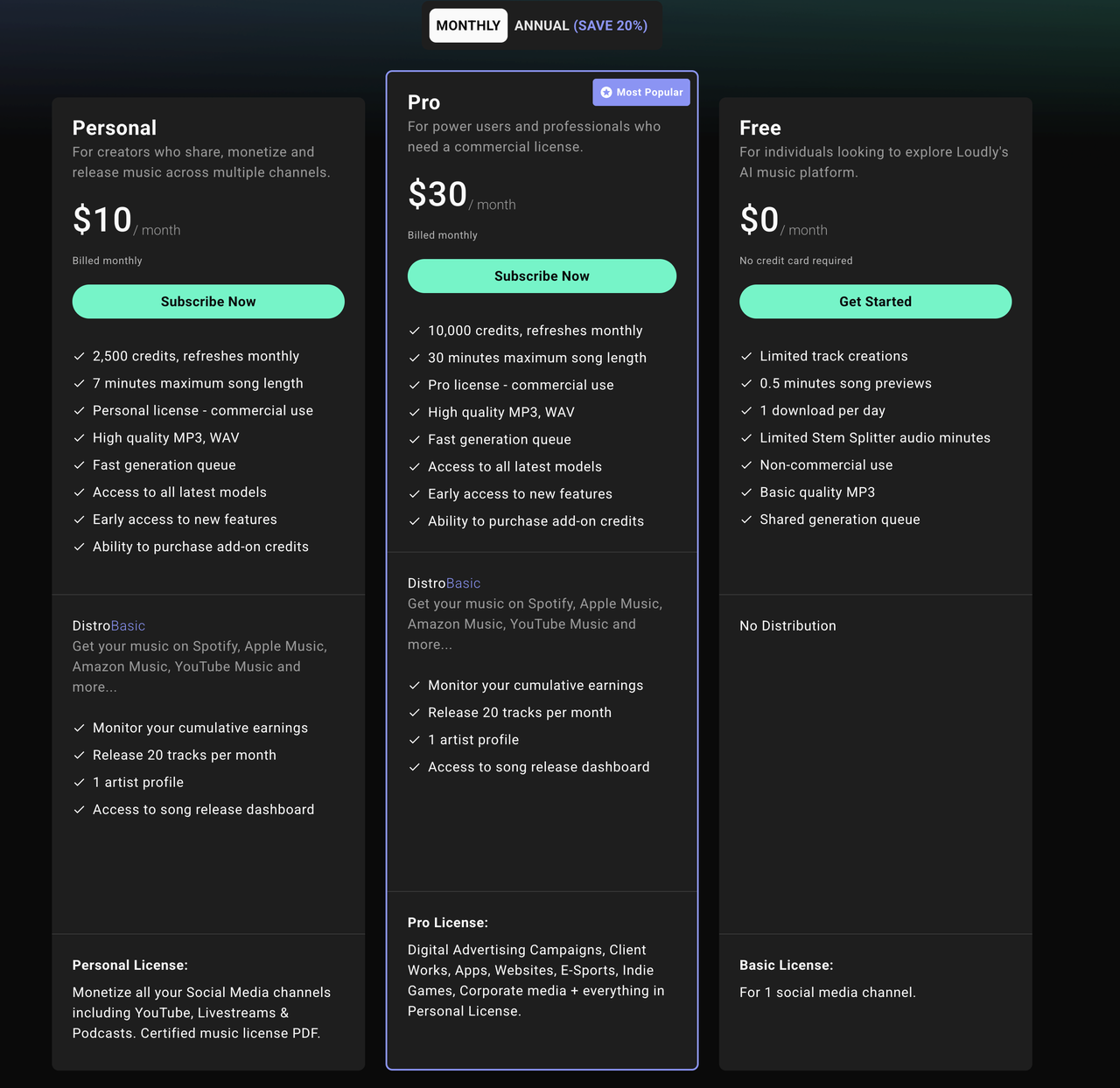
The rights question matters more than “royalty-free.” Loudly’s FAQ distinguishes advertising, film, client work, and post-cancellation use. Its current License Agreement should govern the track and plan. The FAQ says previously published projects keep their licensed use. Another answer allows old downloads for personal, non-commercial projects after cancellation. Do not infer permission for a new commercial video from either statement; save the license details with the export.
Do not read Loudly’s marketing phrases such as “copyright-safe” as a guarantee against claims or as proof that you own the composition. This is general publishing information, not legal advice. For a sponsored video, client handoff, paid ad, or reused track, confirm the current plan and agreement for that exact use before delivery.
Who Loudly Fits—and Who It Does Not
Loudly looks better suited to an editor who can describe a musical direction and finish the cue in a normal video editor. A tutorial, voiceover-led social video, or Vlog can benefit from pre-generation controls and from keeping a full mix plus stems for later balancing.
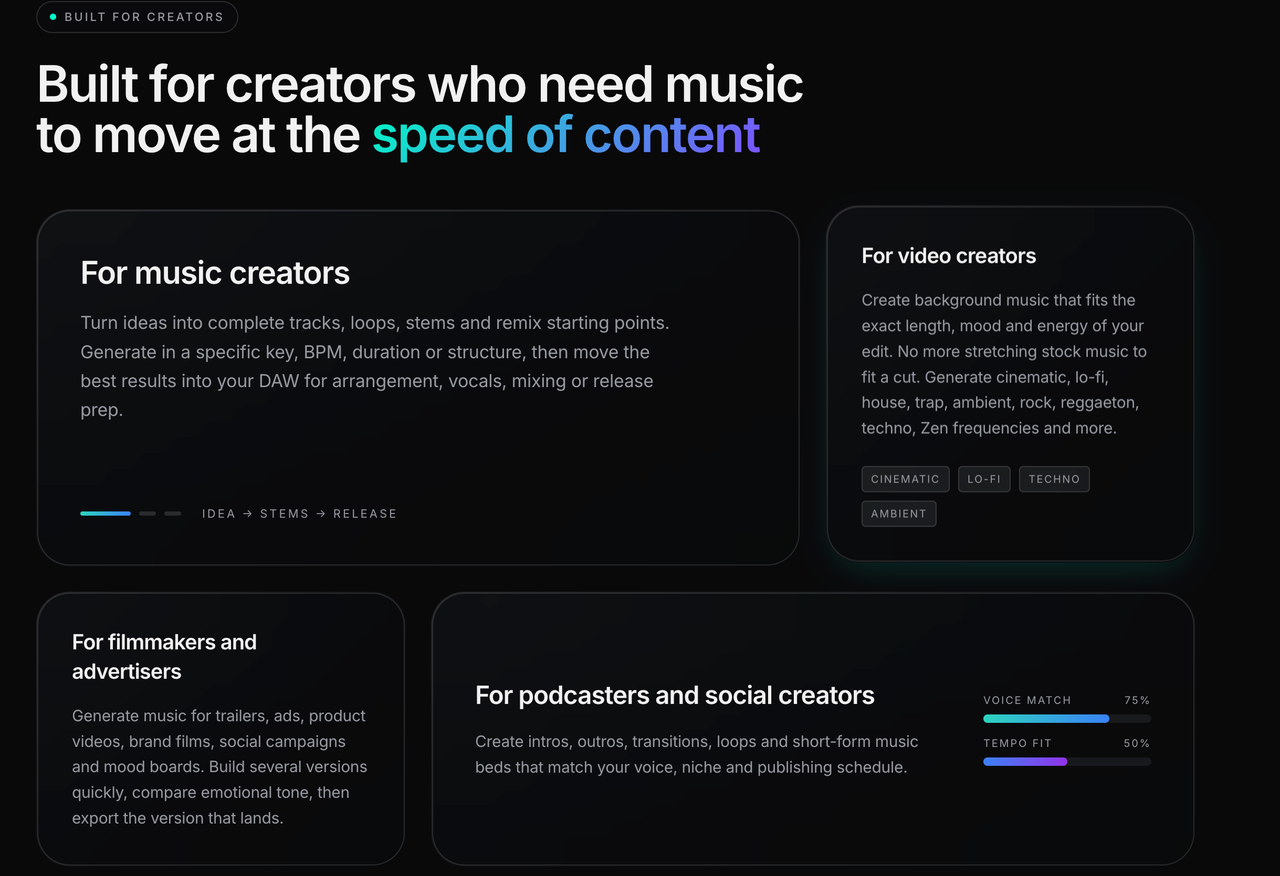
It is a weaker documented fit if the main requirement is for music to read the picture and land several changes automatically. A prompt or song formula makes the creator translate those visual events into musical instructions. If the picture is still changing daily, even good control over the first generation may not eliminate the work of revising the soundtrack.
Limitations and Trade-Offs
More controls can shorten the search, but they also move decisions earlier. Set the wrong structure before you have watched the full cut, and you may spend the next round correcting a musical idea the video never needed. The shortlist still has to be heard under actual speech.
Conclusion
This Loudly AI music generator review reaches a conditional answer. Its controls and export paths make Loudly a credible candidate for a voiceover soundtrack finished by an editor. They do not establish that the first track follows a locked cut, survives a picture revision, or mixes itself beneath speech. The useful verdict comes after the selected file sits under the final video.
Sonilo publishes this article and offers a different starting point: generate music from the finished video. That may suit an editor who does not want to translate every scene change into a song formula. It is a separate option, not a tested winner over Loudly. Keep whichever cue supports the picture, survives the handoff, and reaches the final frame cleanly.
FAQ
Is there a dedicated Loudly mobile app for projects?
I could not verify a dedicated mobile app that carries the same Loudly AI Music Generator projects between phone and browser. Loudly links to Music Maker JAM, a related mobile music product, but that does not establish shared generator project files. If phone access matters to your team, confirm the exact app and account sync before starting a cue there.
Can a team review Loudly tracks in a shared workspace?
Loudly advertises shareable songDNA pages, but its public generator and FAQ pages do not document a team workspace with comments and approvals. A shared analysis page is not the same as a reviewable timeline mix. Send teammates a permitted video preview with the candidate under the narration, and keep approvals in your normal project system.
Is API usage billed separately from creator plans?
Loudly links to a separate developer pricing page ; verify the current API pricing and whether creator-plan credits apply. That does not show API credits included in a Personal or Pro creator subscription. Budget the integration separately unless Loudly confirms an account-specific arrangement.
Can Loudly projects transfer between personal and team accounts?
I could not verify an official project-transfer procedure in the public Loudly pages checked here. Sharing a download may not move prompts, versions, or license records. If ownership must shift, ask Loudly how the project and license transfer before one editor becomes the sole account holder.
What happens to project access after a plan change?
Loudly’s FAQ says canceled accounts keep paid access until the term ends, then revert to Free. It addresses rights in already published projects but does not promise that every editing control or stored project remains accessible afterward. Before downgrading, export the approved audio, permitted stems, and license details, and verify account access with Loudly.